
TV Full Accounting CE
Complete accounting for Odoo Community — no Enterprise subscription needed.
A full accounting toolkit for Odoo Community. Includes 12 financial reports, fixed asset management, budgets, recurring journal entries, post-dated cheque tracking, partner follow-ups, credit limits, and period lock dates. No Enterprise subscription required.
- 12 financial reports: Balance Sheet, P&L, General Ledger, Partner Ledger, Trial Balance, Tax, Aged Partner, Journal Audit, Cash Flow, Bank, Cash, Day books
- Fixed assets with automated depreciation schedules
- Budgets planned against chart-of-accounts entries
- Recurring journal entries and payments on a schedule
- Post-dated cheque workflow — receive, hold, deposit, reconcile
- Automated partner follow-ups and per-partner credit limits
- Period lock dates to prevent back-dated entries
- PDF and XLSX export for every report
Compatible with Odoo 17, 18, and 19 Community Edition. Licensed under LGPL-3.
Get the free module
Enter your email and choose your Odoo series. We will send the ZIP straight to your inbox.
Also available on the Odoo App StoreWhat it does.
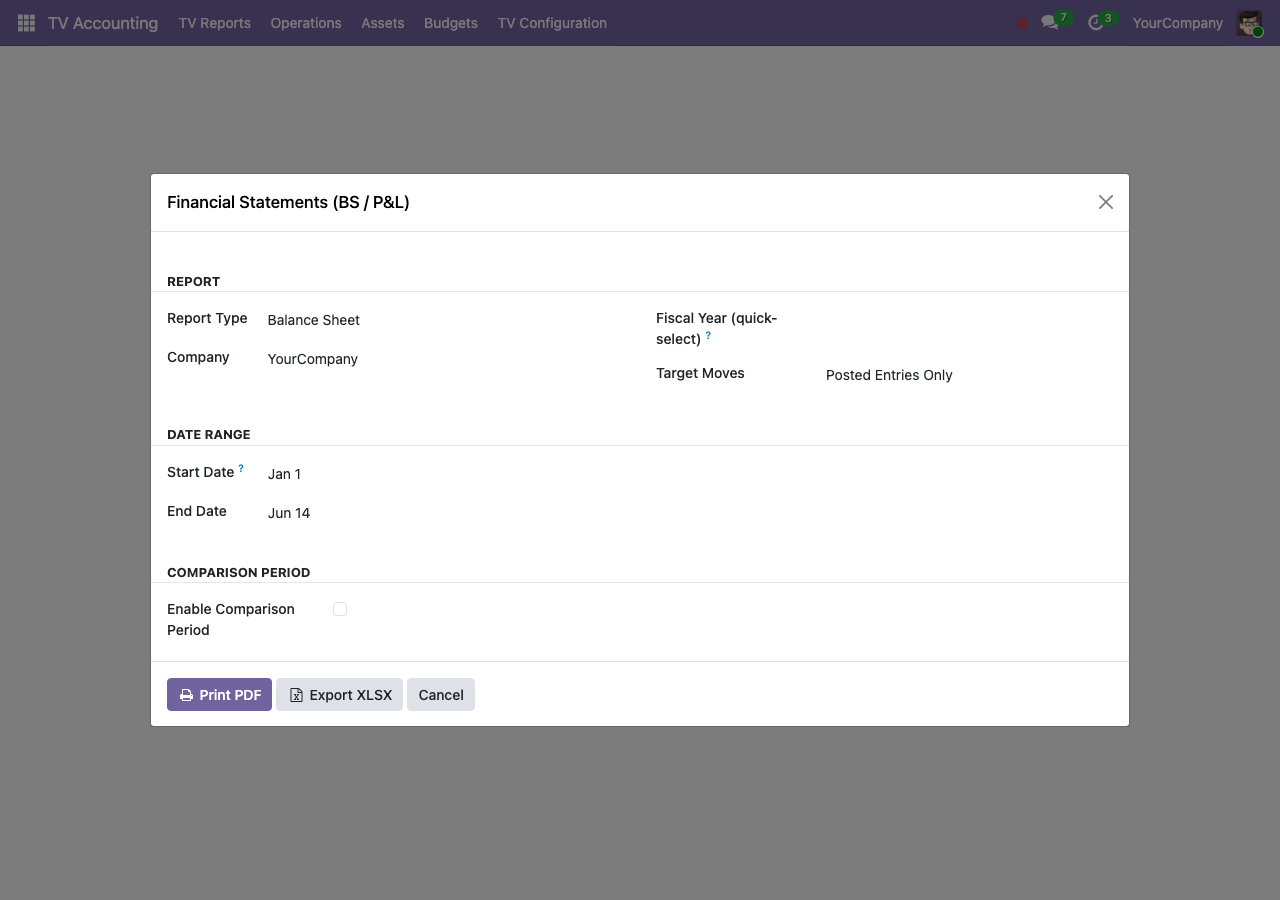
The report pack
Balance Sheet, Profit & Loss, General Ledger, Partner Ledger, Trial Balance, Tax, Aged Partner, Journal Audit, Cash Flow, and the Bank, Cash, and Day books — 12 reports in total, each exportable to PDF and XLSX.
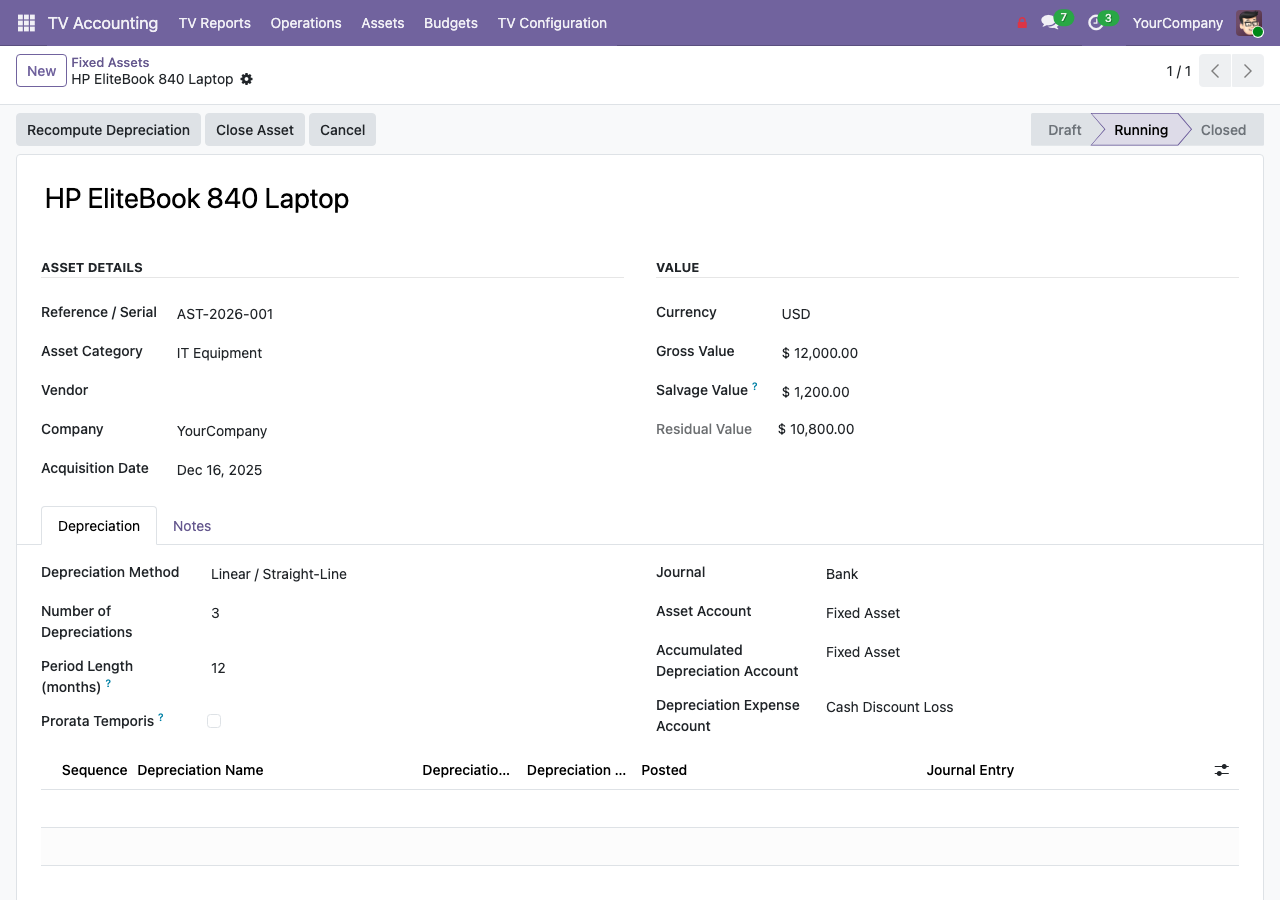
Fixed assets
Manage assets and depreciation schedules, posting to the correct accounts automatically on the dates you set.
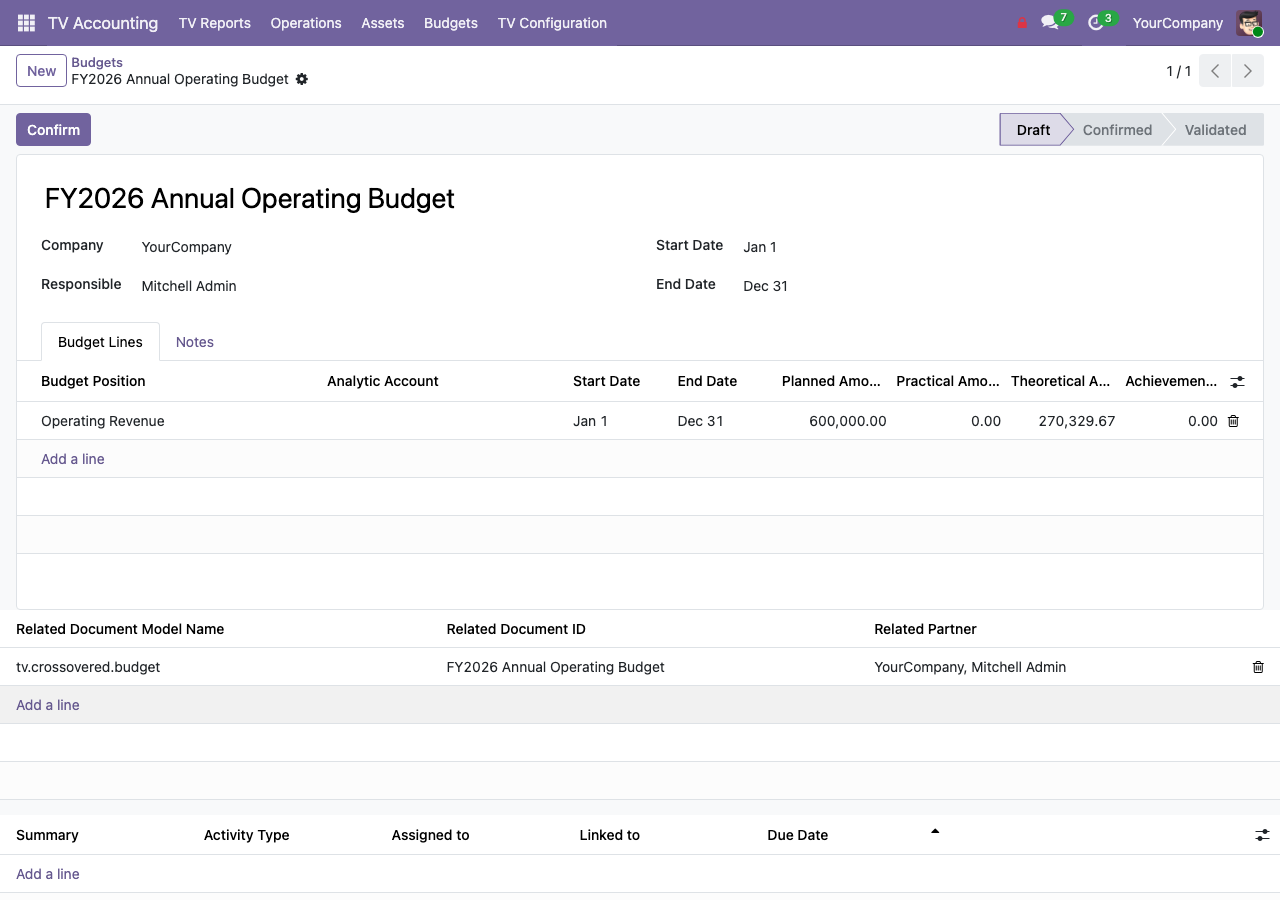
Budgets and recurring payments
Plan budgets against your chart-of-accounts entries and automate recurring payments on a schedule — no manual journal entries each month.
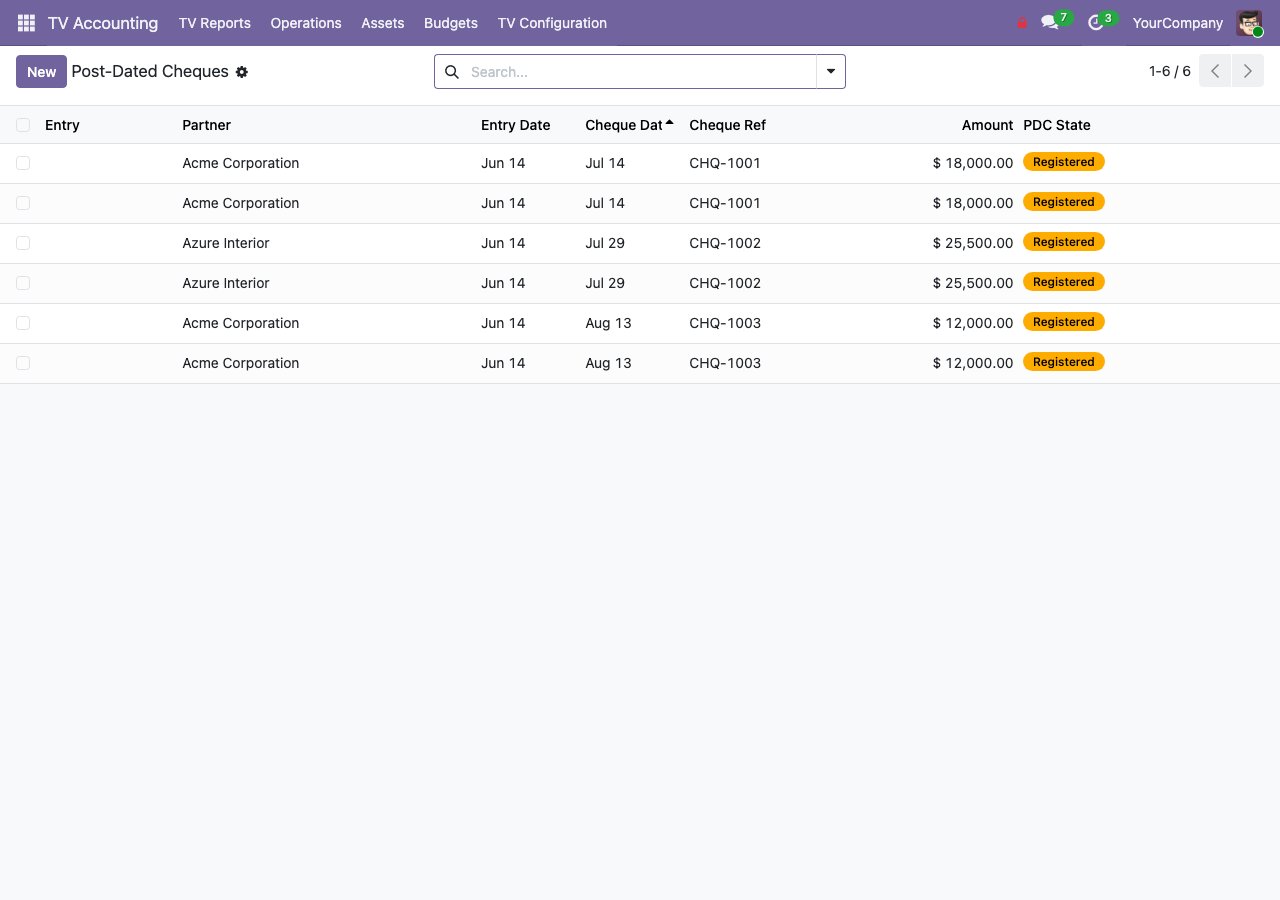
Post-dated cheques, follow-ups, and lock dates
Handle post-dated cheques end to end, send automated customer follow-ups, set per-partner credit limits, and lock closed periods to prevent back-dated entries.
Want live, interactive reports?
The Live Reporting Engine CE adds an interactive OWL report viewer on top of this module — period comparison, click-through drill-down to journal items, and a custom report builder. TV Full Accounting CE is the required companion.
View Live Reporting Engine CE — $155